
Training & Workshops
Instructional Technology Training
IT Training Resources
We offer workshops and trainings every semester to explore both pedagogy and complementary technologies. These sessions are designed to enhance your skills in various aspects of course design, student feedback, and a wide range of learning activities and assessment strategies.
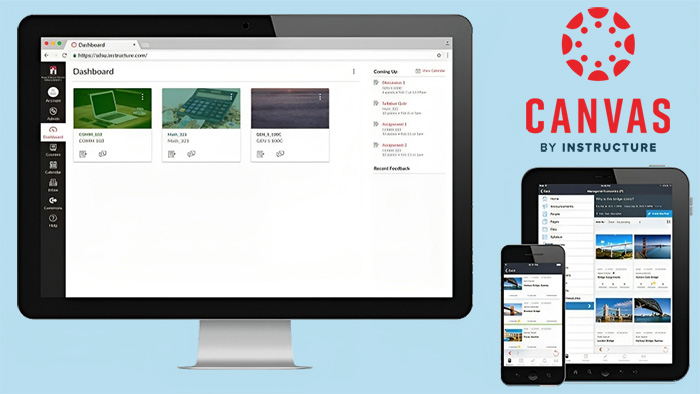

The Instructional Technology Faculty Guide is designed to help all faculty explore the services and support provided by Instructional Technology at SDSU.
Register for upcoming workshops and trainings and browse on-demand recordings of sessions covering Canvas, AI, Gradescope, Poll Everywhere and other technologies that support teaching and learning.
Course Design Training
SDSU faculty can strengthen their course design skills through professional development opportunities supporting online and hybrid teaching. Options include the semester-long Course Design Institute for selected faculty, asynchronous SPOT training open to all faculty, and CSU Online Course Services courses for tenure-track and lecturer faculty.
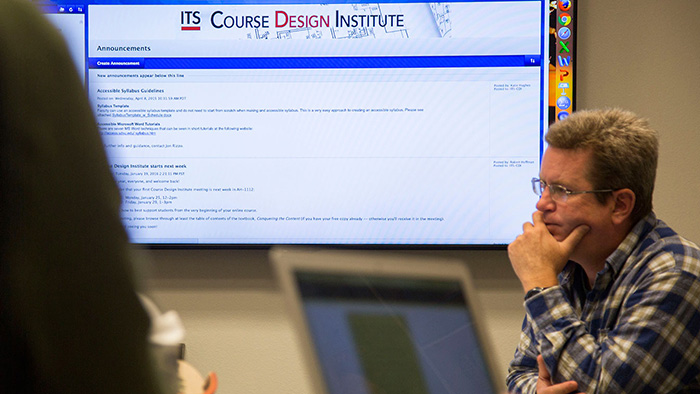
This semester-long online course development training is for selected faculty who are given course release to design specific courses for their colleges.
This asynchronous online training is open to all faculty interested in developing online or hybrid courses at SDSU.

CSU Online Course Services offers professional development courses for tenure-track faculty and lecturer faculty.
Classroom Training Resources
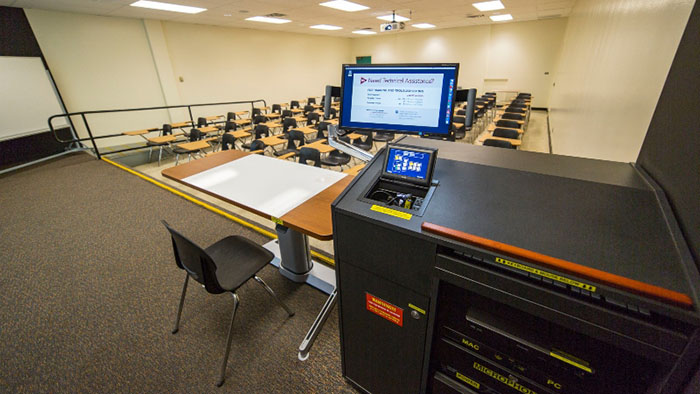
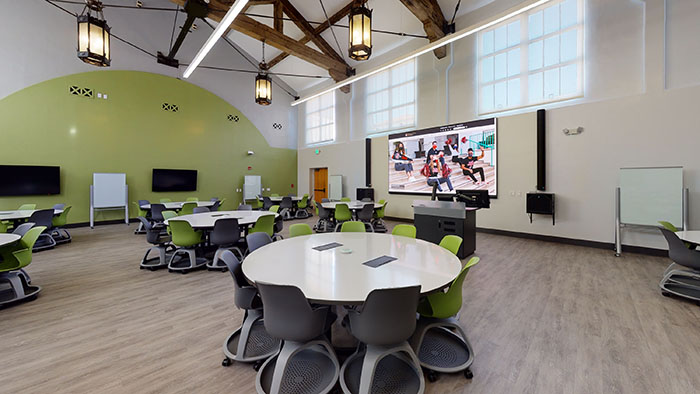
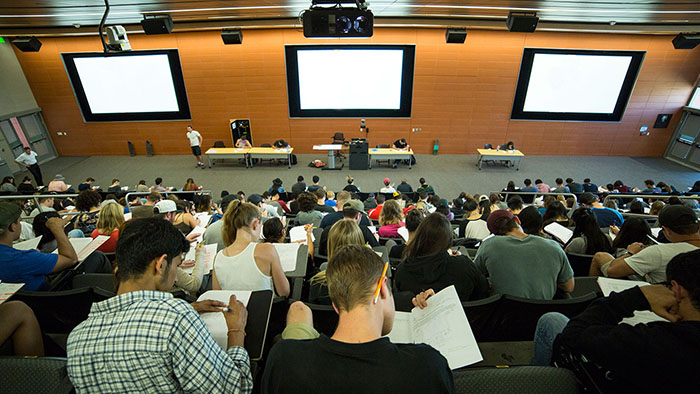
If you are teaching in a classroom and need training, you may self-enroll in our online Classroom Training Course, delivered through Instructure. This course covers our various types of classrooms, with how-to videos and job aids on operating the equipment.
Classroom Lists
Key Issue Policy
In many cases, access to SDSU classroom equipment requires a 101A key. Instructors are required to be trained in the use of classroom equipment prior to being issued a key. To determine if you are teaching in a classroom requiring a key, please refer to the Connected Classrooms List.
To request a key, please contact your college's department coordinator, who will initiate an Adobe Sign form to get the key from the Key Issue office. Instructors no longer teaching at SDSU are responsible for returning the 101A key to either their colleges key issue contact, or the SDSU Key Issue office. For further questions regarding 101A key access please call 594-5691.
For any questions regarding Classroom trainings please submit a ServiceNow ticket and one of our staff members will get back to you right away.